Diagnose Before You Consolidate: 7 Red Flags Your Tool Stack Is Quietly Failing You
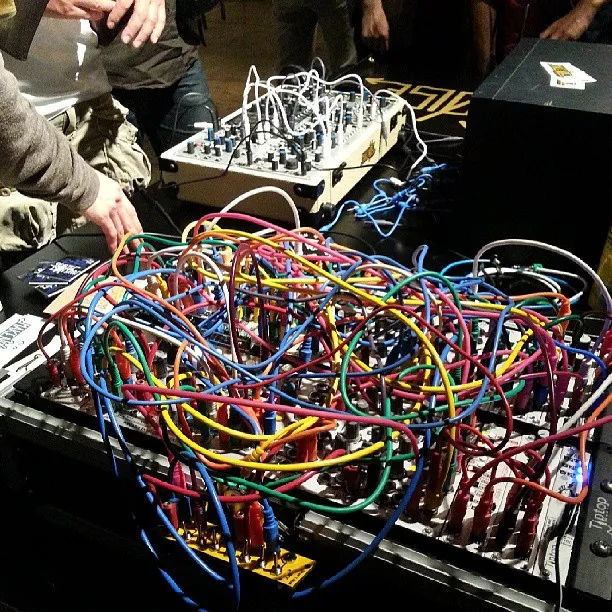
Photo: Kazuhisa OTSUBO, CC BY 2.0, via Wikimedia Commons
Most businesses don't decide to build a patchwork of tools. It happens one free trial at a time. A project management app here, a note-taking tool there, a spreadsheet that a former employee swears by — and suddenly your 'simple stack' is a Rube Goldberg machine held together by copy-paste and good intentions.
The good news: patchwork failure is diagnosable. Here are seven red flags, each with a quick fix or a strategic move. Then score yourself against the maturity model at the end.
Sign 1: You're Paying Twice for the Same Problem
Two task managers. Three chat tools. A video platform nobody can log into. Duplicate subscriptions are the most visible symptom of tool sprawl — and often the most expensive.
Quick fix: Run a 30-day subscription audit. Export all recurring software charges to one spreadsheet, flag overlaps, and cancel anything that hasn't been opened in 60 days.
Sign 2: Humans Are the API
If your office manager's job description should read 'transfers data between systems by hand,' you have a copy-paste workflow problem. Manual re-entry isn't just slow — it's where errors breed.
Strategic move: Any workflow that requires a human to move data between two tools should either be automated or eliminated by choosing tools that sync natively.
Sign 3: Shadow Spreadsheets Are Multiplying
There's the official project tracker. And then there's 'Final_v3_REAL_tracker.xlsx' that two departments actually use. Shadow spreadsheets appear when the official tool doesn't answer people's real questions fast enough.
Quick fix: Don't ban the spreadsheets — interview the people who built them. They're telling you exactly what fields and views your real system is missing.
Sign 4: Nobody Can Answer 'Where's That File?'
When a client asks for last quarter's proposal and it takes three people and 20 minutes to find it, your storage situation has outgrown your search capabilities.
Strategic move: Consolidate documents into a system with unified search and permissions, tied to the projects they belong to.
Sign 5: Onboarding Takes Weeks Instead of Days
Count the tools a new hire must learn in their first month. If the answer is north of five, you're paying a 'complexity tax' on every single person who joins — and paying it again when they leave, because knowledge scatters across logins.
Quick fix: Create a single onboarding hub. If a tool can't be covered in one page of that hub, question whether it's essential.
Sign 6: Your Reporting Requires a Detective
When leadership asks a simple question — 'How are we tracking against Q3 goals?' — and the answer involves merging exports from four systems, your data is technically present but practically useless.
Strategic move: Prioritize platforms where operational data and reporting live in the same place, so numbers are current by default.
Sign 7: Decisions Wait on Data
The final and most costly flag: your team hesitates to act because they don't trust the numbers. Fragmented tools produce fragmented truths, and fragmented truths produce paralysis.
Quick fix: Designate one source of truth per function (sales, projects, finance) and treat it as law. Everything else is a reference, not a record.
Score Yourself: The Tool Stack Maturity Model
Rate your business from 1 to 5:
- Stage 1 — Accidental: Tools adopted ad hoc, no owner, heavy duplication. (You hit 4+ signs above.)
- Stage 2 — Aware: You know what you're paying for, but workflows are still manual.
- Stage 3 — Organized: Clear tool owners, documented workflows, duplicates eliminated.
- Stage 4 — Integrated: Core systems sync automatically; data flows without human help.
- Stage 5 — Synchronized: One unified workspace; reporting, docs, and tasks live together. Onboarding takes a day.
Most US small and mid-sized businesses land at Stage 2. The jump to Stage 4 is where efficiency compounds — and where the patchwork finally becomes a platform.